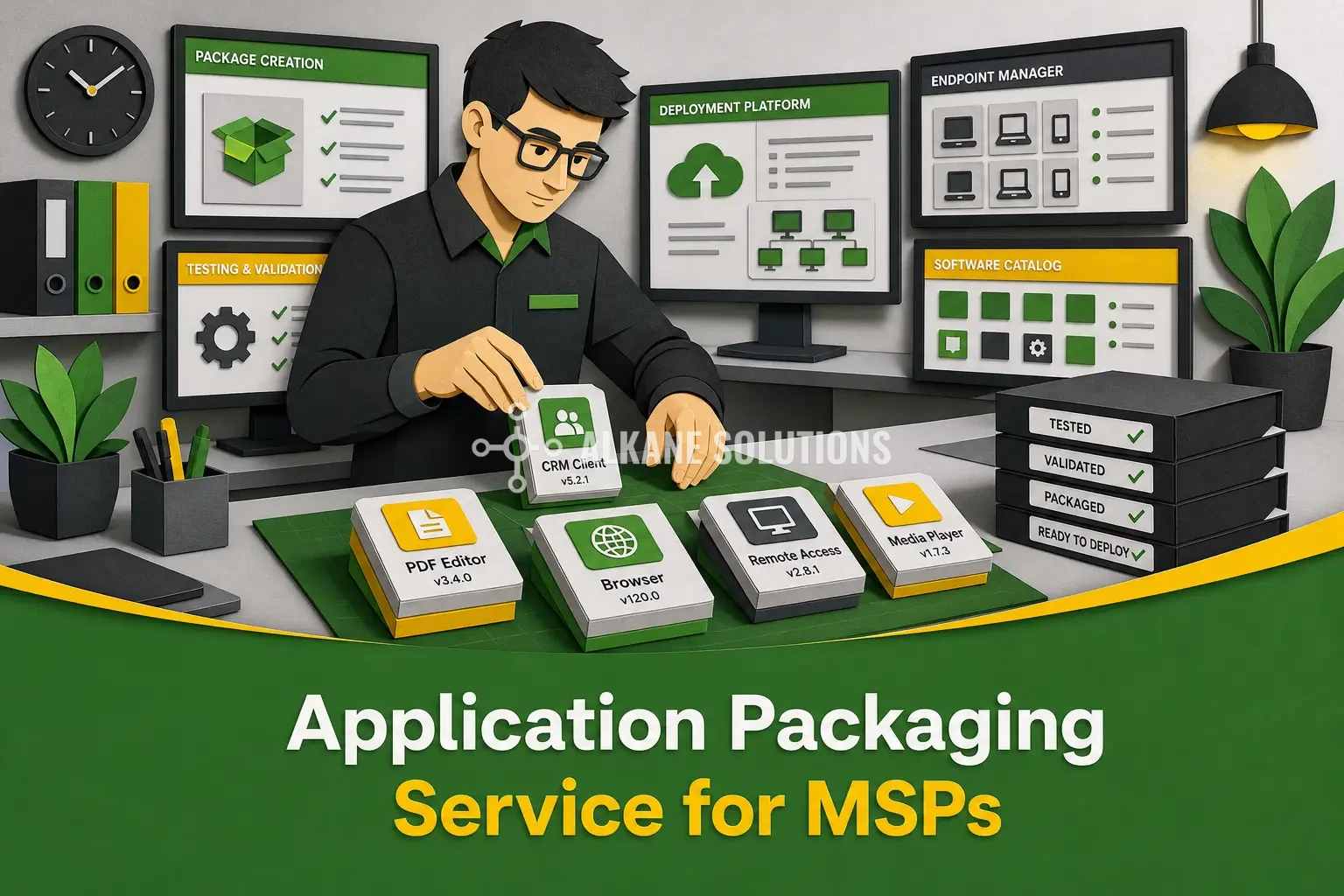
Why Application Packaging Matters for Managed Service Providers
Every new application, update or urgent security fix is a test of an MSP’s ability to deliver consistent outcomes at scale. Application packaging is therefore not a back-office deployment task. It is a core managed service capability that directly affects customer experience, endpoint security, service margins and operational resilience.
MSPs must support customers with different application estates, endpoint configurations, user requirements, security policies and deployment platforms. One customer may rely on SCCM and traditional MSI packages, while another uses Microsoft Intune, Azure Virtual Desktop or application layering. Without disciplined software packaging standards, these differences create avoidable rework, inconsistent deployments and support demand.
High-quality application packaging makes software delivery repeatable. Standardised packages accelerate customer onboarding, enable more predictable installations and upgrades, and reduce the time technicians spend resolving failed deployments. They also support stronger governance by ensuring approved applications are configured, tested and deployed in line with each customer’s security controls.
For growing providers, white label application packaging services provide a practical way to add specialist capacity without the cost and risk of building a large in-house team. MSPs can extend their own branded service, access expertise across packaging formats and respond more quickly to customer requests, application backlogs and security-driven remediation work, all without recruiting, training and retaining dedicated packaging resources.
What High-Quality Software Packaging Includes
High-quality software packaging is the process of preparing, configuring, testing and documenting an application so it can be deployed, managed, updated and removed reliably throughout its lifecycle. The package must behave predictably across customer environments and provide operational teams with the information needed to support it.
A production-ready package typically includes:
- Silent install and uninstall logic
- Accurate detection methods
- Licensing, activation and configuration requirements
- Prerequisite and dependency management
- Required user settings, permissions and context handling
- Clear logging, error handling and rollback considerations
MSI, also known as Windows Installer, remains important across many enterprise estates because established deployment tools and legacy applications continue to depend on it. However, modern formats such as MSIX offer additional isolation, cleaner installation behaviour and improved security and management capabilities. Where compatible legacy applications require adjustment, the Package Support Framework, or PSF, can help them run within an MSIX package without changing the original application code.
Every application package should also be tested against the intended operating systems, deployment platforms and user contexts, including standard users, administrators and virtual desktop sessions. This discipline reduces deployment failures, strengthens auditability and creates a dependable foundation for ongoing application lifecycle management.
Multiple Packaging Formats for Different Customer Environments
No single application packaging format suits every customer, application or endpoint strategy. MSPs often support a mix of physical Windows devices, Windows 365, Azure Virtual Desktop, Citrix estates and traditional on-premises infrastructure. Each environment may require a different approach to software packaging, deployment control and ongoing maintenance.
For traditional deployments, the PowerShell App Deployment Toolkit, or PSADT, provides consistent installation workflows, pre-installation checks, detailed logging and user experience controls. This makes PSADT particularly valuable where applications require device checks, process handling, reboot control or clear user notifications.
Application layering adds another option. Liquidware FlexApp and Citrix Cloudpaged Apps can deliver applications separately from the base image, which is especially useful in multi-user and virtual desktop environments. Instead of rebuilding a golden image for every application change, teams can update and assign application layers independently.
This format flexibility lets MSPs align each package with the customer’s operational model, endpoint platform and security requirements, while maintaining consistent delivery standards across diverse estates.
Why Application Layering Helps MSPs Reduce Risk and Support Demand
Application layering extends this flexibility by separating applications from the operating system image. Using technologies such as Liquidware FlexApp, MSPs can deliver approved applications as independently managed layers rather than embedding every application into a golden image.
This reduces the number of images each MSP must build, validate and maintain across customer environments. Fewer golden images mean less image drift, less accumulated technical debt and fewer configuration differences that complicate support. Rather than maintaining separate images for different departments, customers or application combinations, teams can apply standardised layers according to user, device or virtual desktop requirements.
Layers also accelerate operational response. An application update, new customer onboarding request or urgent CVE remediation can often be handled by updating the relevant layer, testing it and assigning it to the appropriate users. The core image remains stable, reducing the risk and effort associated with full image rebuilds.
From a security perspective, layered delivery strengthens patch compliance and vulnerability remediation. MSPs gain clearer evidence of which application versions are approved, deployed and remediated across each customer estate, supporting stronger audit trails and more reliable endpoint governance.
Integrating Packages Into Customer Management Platforms
A package only creates value when it is ready for operational deployment through the customer’s chosen endpoint management platform. Application packaging should therefore include not only installation engineering, but also the configuration required to deploy, update, remove and report on software reliably at scale.
For many customers, this means preparing packages for SCCM or Microsoft Intune. Others may use Recast Application Workspace, Liquidware Profile Unity, AppVentiX or a combination of endpoint, virtual desktop and workspace management tools. The package format, deployment method and supporting documentation must align with the platform in use, without forcing the MSP to maintain separate, inconsistent standards for every customer.
Key integration activities typically include:
- Assignment logic for users, devices, groups or virtual desktop pools
- Dependency management for runtimes, frameworks and prerequisite applications
- Supersedence and upgrade rules for retiring older versions safely
- Approval workflows, release documentation and change records
Platform-ready software packaging enables IT management to standardise delivery processes across the customer base while retaining necessary customer-specific settings, such as security groups, naming conventions, maintenance windows and approval controls.
For CISOs, integration provides centralised visibility into approved software, deployment progress and vulnerability remediation. It becomes easier to demonstrate which application versions are authorised, where they are installed and whether critical updates have reached the intended endpoints.
A White Label, Fixed-Price Packaging Service Built for MSP Growth
White label application packaging extends an MSP’s technical delivery capability without the cost and delay of building a large in-house packaging team. Expert resources can prepare, test and document packages behind the scenes, while the MSP retains ownership of the customer relationship, service experience and branding.
A fixed-price per-package model gives service managers a clear way to scope work and protect margins. A monthly subscription model provides reserved capacity for recurring demand, application backlogs, onboarding projects and urgent security remediation. Both approaches make software packaging costs predictable while allowing delivery capacity to scale with the customer base.
The value goes beyond creating installation files. MSPs can access broader format coverage, including MSI, MSIX, PSADT, FlexApp and Cloudpaged Apps, with packages prepared for platforms such as Microsoft Intune, SCCM and Recast Application Workspace. This supports faster deployments, less golden image maintenance, more consistent endpoint configurations and quicker responses to CVEs.
For IT management, standardised packages reduce operational friction and support demand. For security teams, they strengthen governance through controlled deployments, reliable updates and clearer evidence of patch compliance.